
How I Built the Star Trek control panel of my dreams
SMRTR summary
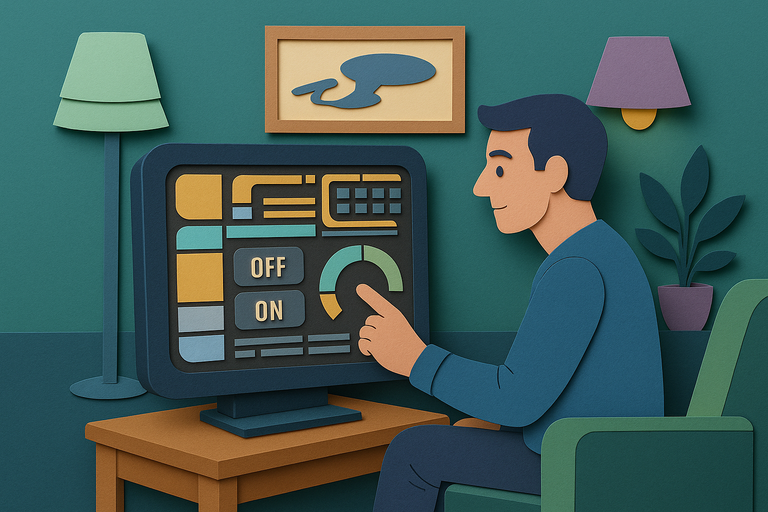
Twelve-year-old dreams of controlling spaceships like Captain Picard have become reality for one home automation enthusiast who spent countless hours recreating the iconic LCARS computer interface from Star Trek's Next Generation era to control their living room lights. Using Home Assistant, an open-source automation platform, along with specialized hardware and programming tools, they painstakingly built an authentic-looking touchscreen panel that mirrors the futuristic displays seen in Tuvok's quarters on Star Trek: Voyager.
The project required learning YAML programming language and using LVGL graphics library to create each button, gauge, and rounded corner from scratch rather than simply uploading images. While admittedly impractical compared to voice commands or phone apps, the seven-inch touchscreen now sits near their couch, allowing them to toggle lights and adjust brightness through the same interface their childhood heroes used to navigate the galaxy.
For someone managing ADHD, Home Assistant already provided valuable tools like calendar reminders and timers, but this LCARS recreation represents pure nerdy joy over functionality. As they note, this hobby isn't for the entirely pragmatically minded, especially when you build an elaborate control panel before deciding what exactly it will control.
SMRTR provides this summary for quick context. The original article belongs to The Verge.
Read the original article