
Options for Preloading Images with JavaScript
SMRTR summary
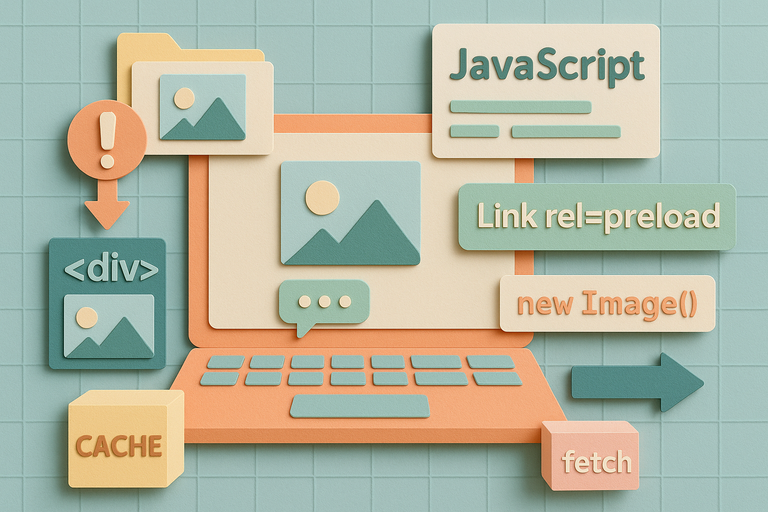
When a developer tried to fix an annoying lag where uploaded images would pop into view after comments were posted, they discovered JavaScript offers five surprisingly different ways to preload images. The classic approach uses "new Image()" to instantly download and cache images, but it fails when servers send "no-store" headers that block caching. A more reliable method injects link preload tags into the HTML, which bypasses the browser's HTTP cache entirely and stores images in a special "preload cache." Other quirky options include hiding divs with CSS background images, using the modern Cache API for fine-grained control, or leveraging the fetch API for short-term memory storage.
The browser proves surprisingly smart during this process, preventing duplicate downloads when images are needed before preloading completes. For most developers, the link preload approach offers the best balance of reliability and simplicity, though the choice depends on specific needs like hooking into loading events or managing long-term storage across page loads.
SMRTR provides this summary for quick context. The original article belongs to Hacker News.
Read the original article