
I Built an "AI for Shell Commands" CLI (So I Could Stop Asking ChatGPT)
SMRTR summary
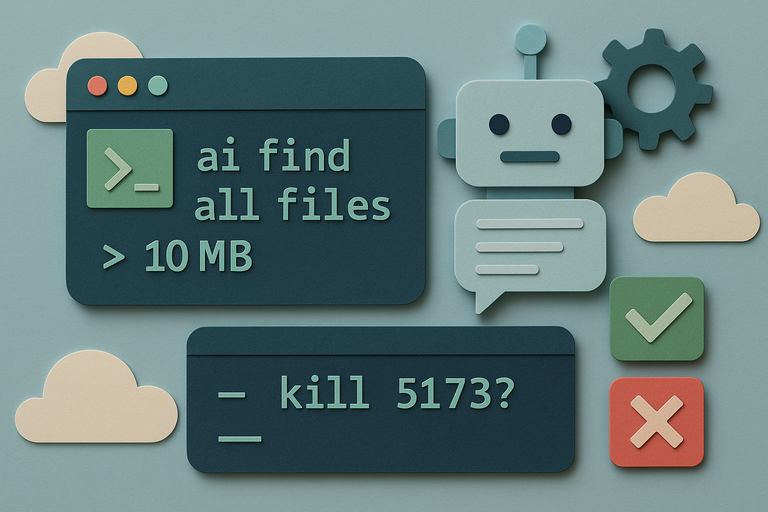
A developer grew tired of constantly switching between terminal windows and browser tabs just to ask chatbots simple questions like "how do I kill the task running on port 5173" or "find all files larger than 10MB." The mental cost wasn't the query itself, but the expensive context switching that broke flow and productivity.
So they built AI CLI, a tiny Go-based tool that translates natural language directly into shell commands using OpenAI or OpenRouter APIs, all without leaving the terminal. The tool doesn't blindly execute whatever the AI suggests. Instead, it applies a safety matrix that categorizes commands as safe or risky, assigns certainty scores, and either auto-runs trusted commands or prompts for confirmation on anything potentially dangerous.
The beauty lies in its simplicity: natural language becomes shell commands, filtered through sensible guardrails. Commands like killing processes get flagged as risky and require approval, while basic operations like listing files might run automatically if the AI is confident enough.
Built as a single binary to avoid installation headaches, AI CLI costs just pennies per day using cheaper models like GPT-4o-mini, making it a worthwhile trade for eliminating those productivity-killing browser detours.
SMRTR provides this summary for quick context. The original article belongs to Hacker News.
Read the original article