
How to Use Nano Banana for Image Generation - Explained with Code Examples
SMRTR summary
A pocket-sized creative genius is transforming the digital art world. Google's new "Nano Banana" (officially Gemini 2.5 Flash) lets anyone generate or edit images with simple language commands.
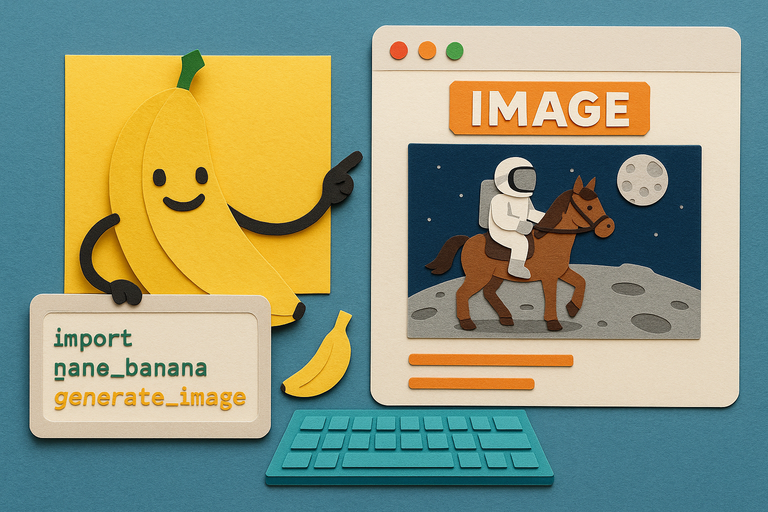
"Imagine you have an incredibly talented, lightning-fast artist at your beck and call," is how developers describe this tool that can turn phrases like "astronaut riding a horse on the Moon" into striking visuals within seconds.
What makes Nano Banana revolutionary is its versatility. Beyond basic image generation, it excels at character consistency across multiple scenes, multi-image fusion, and even restoring damaged photos.
Setting up requires just a Google API key and a few lines of Python code. From there, users can generate new images from text descriptions, edit existing photos, combine multiple images, or restore old photographs.
For developers, the possibilities extend to batch processing, creating game assets, and building AI art galleries - all with minimal coding overhead.
This marks a significant shift in how visual content is created, putting professional-quality image manipulation into everyone's hands.
SMRTR provides this summary for quick context. The original article belongs to Daily.dev.
Read the original article