
From Figma to Production: How I Optimized Frontend Development Time by 70%
SMRTR summary
Developers are now converting their Figma designs into working code in minutes instead of hours, thanks to a new AI agent called Kombai that's transforming frontend development workflows.
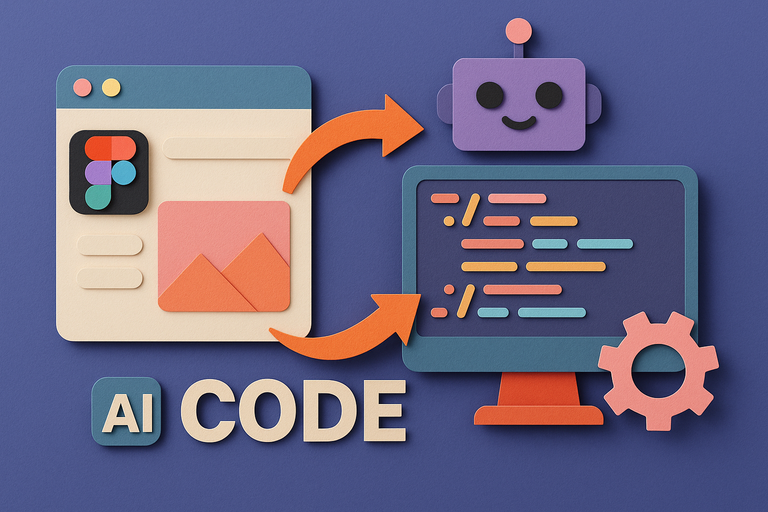
The tool works by analyzing Figma design URLs and automatically generating production-ready code that matches the original design pixel-for-pixel. Unlike traditional manual coding approaches that can take hours, Kombai scans entire project structures, detects frameworks and libraries, then creates components that integrate seamlessly with existing codebases.
The process starts when developers paste their Figma design link into Kombai's interface within their preferred IDE. The AI agent indexes the design, understands the project's folder structure, and presents a step-by-step plan before generating any code. Developers can preview everything in a sandbox environment before saving to their repository.
But Kombai goes beyond just UI generation. It can also create API integration code, connecting frontend forms to backend endpoints through natural language prompts. This means developers can build complete full-stack applications starting from nothing but design files.
One developer reported reducing frontend development time by 70 percent while building an e-commerce website, transforming what used to be hours of manual work into minutes of automated code generation.
SMRTR provides this summary for quick context. The original article belongs to Dev.to.
Read the original article