
7 surprisingly useful ways to use ChatGPT's voice mode, from a former skeptic
SMRTR summary
Your phone has become the universal translator that Star Trek promised, but ChatGPT's Voice Mode offers something even more intriguing than sci-fi communication tools. After initially dismissing the feature due to technical fabrications, a tech reporter discovered that speaking to AI feels fundamentally different than typing—more collaborative and conversational, like having a colleague in your pocket.
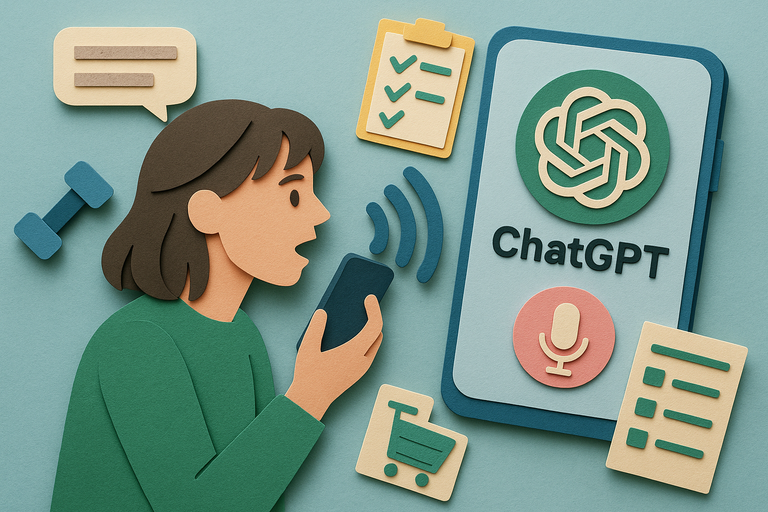
Voice Mode transforms mundane tasks into interactive experiences. You can practice job interviews with real-time feedback, organize scattered thoughts by rambling for sixty seconds then asking for three actionable steps, or create shopping lists hands-free while checking your freezer contents. The AI can translate conversations in real-time, help draft and polish messages, analyze photos you snap of foreign signs, and even serve as an encouraging workout buddy counting reps.
The experience feels surprisingly natural, though it comes with trade-offs. Conversations tend to meander more than typed interactions, creating chattier transcripts that require more digging to find useful nuggets. Usage limits can interrupt productivity mid-session—even paid subscribers hit walls after about thirty minutes of advanced voice features.
What makes Voice Mode particularly powerful is its background functionality in browsers, allowing seamless multitasking while the AI remains available for quick consultations, turning your device into a persistent thinking partner.
SMRTR provides this summary for quick context. The original article belongs to ZDNet.
Read the original article